The Beginner’s Guide to minimalist productivity apps: Stay Organized Without Feeling Overwhelmed
If you’ve ever opened your phone to “get productive” and ended up drowning in notifications, buttons everywhere, and features you don’t even understand… trust me, you’re not the only one. Many people think they need complex tools to stay organized, but the truth is simple: less is often more.
I’m speaking to you as Jean Méndez, a real digital creator who has tried dozens of apps, failed with many of them, and finally realized that real productivity starts when you simplify everything.
That’s exactly why minimalist productivity apps exist — to help you stay organized without draining your mental energy.
Why Minimalist Apps Actually Make You More Productive
The beauty of minimalist apps is that they don’t overwhelm you. You don’t have to learn 200 features or watch long tutorials. They keep things clean and simple.
Here’s why they help you get more done:
- Fewer distractions → More focus.
- Fewer complicated options → Easier learning curve.
- Clean, calm design → Helps you stay relaxed.
- Easier habit-building → Because nothing feels intimidating.
Personally, I wasted years jumping from one complicated app to another… until I realized I didn’t need “more tools.” I needed breathing room.
The Best Minimalist Apps You Can Start Using Today
Here are some simple, clean apps that work great for beginners and anyone wanting to simplify their workflow:
1. Todoist (in minimalist mode)
Even though Todoist is powerful, you can set it up in a very simple way. Perfect for:
- Quick to-do lists
- Basic reminders
- Planning your day without stress
Real example: I only use 3 sections — “Today,” “This Week,” and “Pending.” Nothing more. And it works perfectly.
2. Notion (but keep it simple)
Notion can feel overwhelming, but it can also become extremely minimalist if you build it that way. You can create:
- One page for tasks
- One space for ideas
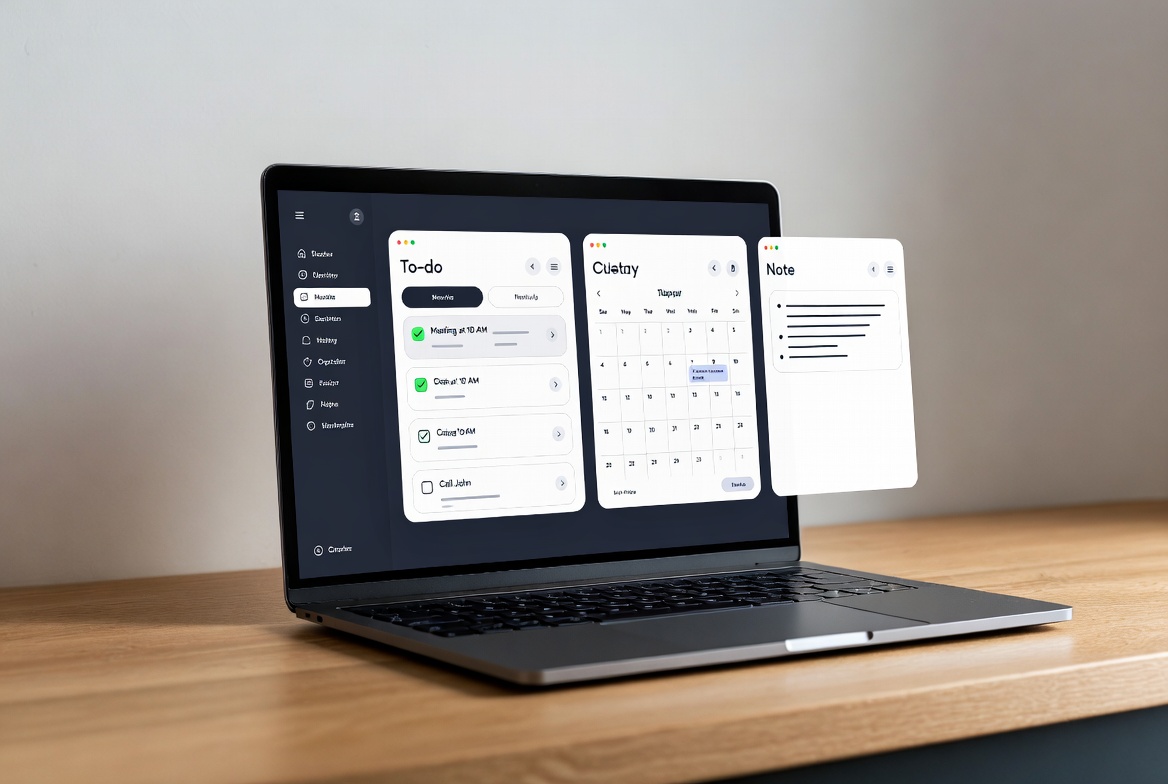
- A simple visual calendar
My tip: Don’t copy huge templates. Build a small one from scratch. Keep it light.
3. Google Keep
Probably the simplest of all. It’s great if you need:
- Quick notes
- Simple checklists
- Basic reminders
Its clean, colorful layout feels like a digital fridge covered in sticky notes — and that’s exactly what makes it so easy to use.
How to Use Minimalist Apps Without Stressing Yourself Out
Start Super Small
Don’t try to organize your whole life in one day. Begin with:
- 3 tasks per day
- 1 weekly list
- One place to write ideas
Remove Anything You Don’t Use
If you’ve never used a feature, you don’t need it. If you don’t know what a button does, ignore it. Simple is better.
Build a Habit, Not a Complicated System
Productivity comes from your habits — not the app itself. A minimalist app just supports your rhythm.
Real Tips From My Own Experience (Jean Méndez)
After years of trying different apps, here’s what I learned:
- The best app is the one you actually use every day.
- A clean interface reduces anxiety.
- You don’t need to plan everything — only what matters.
- Minimalist productivity helps you regain control of your focus… and your life.
When I used fewer apps, I finally started making real progress. And you can too.
Conclusion: Simplify Your Tools, Improve Your Life
If you want to stay organized without feeling stressed or overwhelmed, minimalist productivity apps are the perfect place to start.
Begin small, choose just one app, and let yourself grow at your own pace. Your productivity doesn’t need to be complicated to be powerful.